
Many people assume a desk job equals back pain, and by Friday afternoon it can certainly feel that way. Desk job back pain is common, but it is not guaranteed, and your daily habits matter as much as your chair. Here is what may contribute, what may help, and when pain needs a medical check.
Quick Answer
Does a desk job always cause back pain?
No. A desk job does not guarantee back pain, but long stretches in one position and poor posture may contribute. Changing positions and adjusting your workstation may help.
Why a Desk Job Gets Blamed
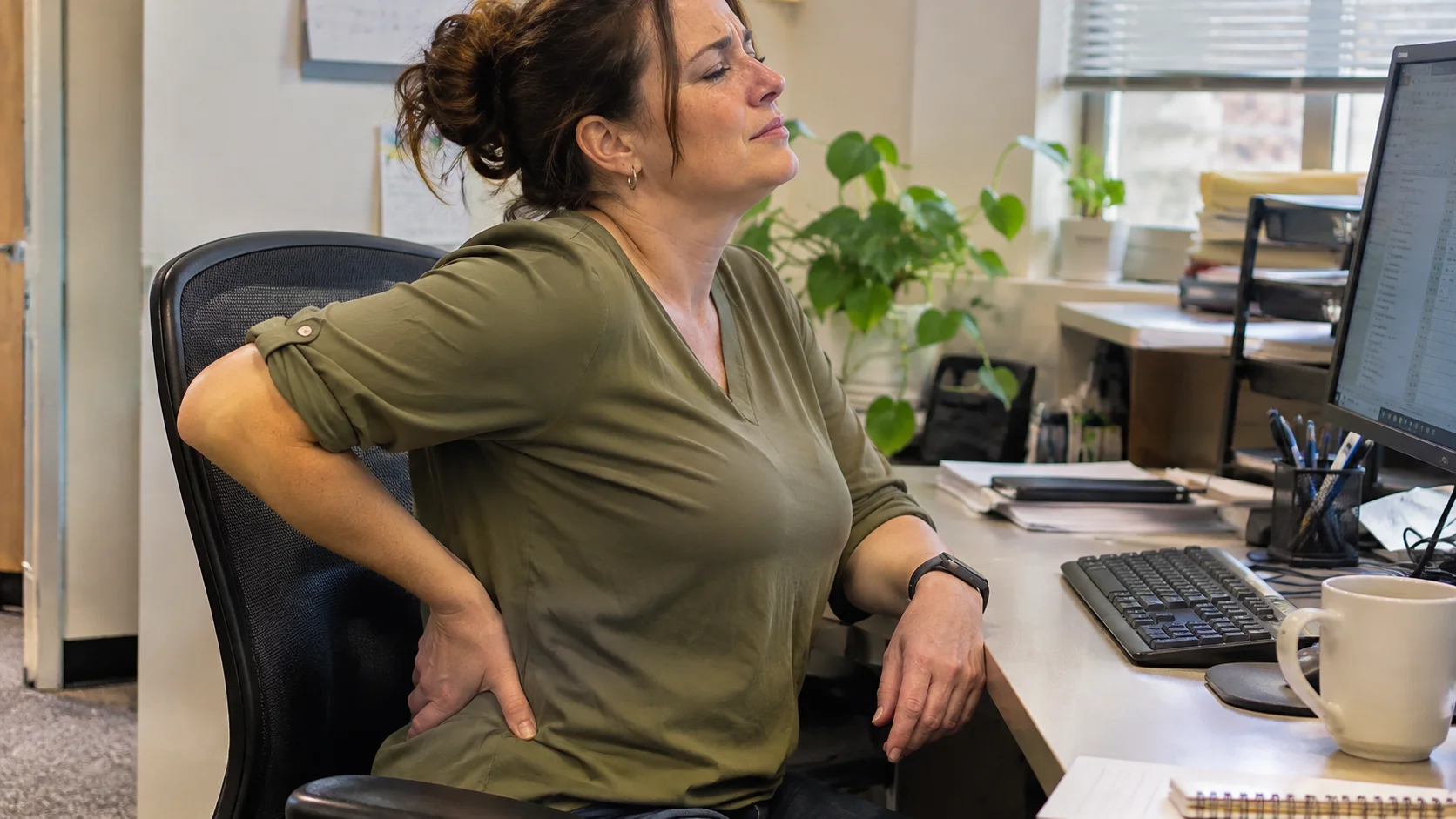
Mayo Clinic notes that a common cause of back pain is injury to a muscle or ligament, and that poor posture and lack of regular exercise are among the reasons these strains and sprains happen. Sitting is not named as a cause on that page, but a desk job can make awkward positions and little movement easy habits to fall into.
What May Add Up to Desk Job Back Pain
Back pain at a desk rarely comes from one thing, and several everyday factors can combine:
- Staying still: Prolonged periods in one position leave little chance to move, so your back and hips may feel stiff or fatigued by the end of the day.
- Awkward positions: A low screen or a laptop on a coffee table can pull your head forward and round your shoulders, which may strain your neck and upper back over time.
- Less regular exercise: Mayo Clinic lists lack of regular exercise among the reasons back muscles and ligaments get strained, and a busy work week can crowd it out.
Sitting alone is not the whole story. The NHS sciatica page advises against sitting or lying down for long periods and suggests carrying on with normal activities as much as possible, so movement matters whichever way your pain started.
Set Up a Workstation That Supports You
OSHA notes that no single posture or arrangement fits everyone, so treat these ideas as starting points and adjust them to your body.
Chair and Feet
- Choose a chair whose backrest supports your lower back, and keep your head and neck balanced and aligned over your torso.
- Rest your feet flat on the floor, or on a stable footrest if your chair is too high for you to do so comfortably.
Screen and Hands
- Place the top of your screen at or just below eye level so you can read it without bending your neck, and sit directly in front of it.
- Keep your shoulders relaxed, your elbows close to your body, and your wrists straight and in line with your forearms.
- Put your mouse next to the keyboard so you can use it without reaching, and keep frequently used items within easy range.
With a laptop, a stand or a stack of stable books may raise the screen, while a separate keyboard and mouse keep your hands comfortable.
Move Through the Day
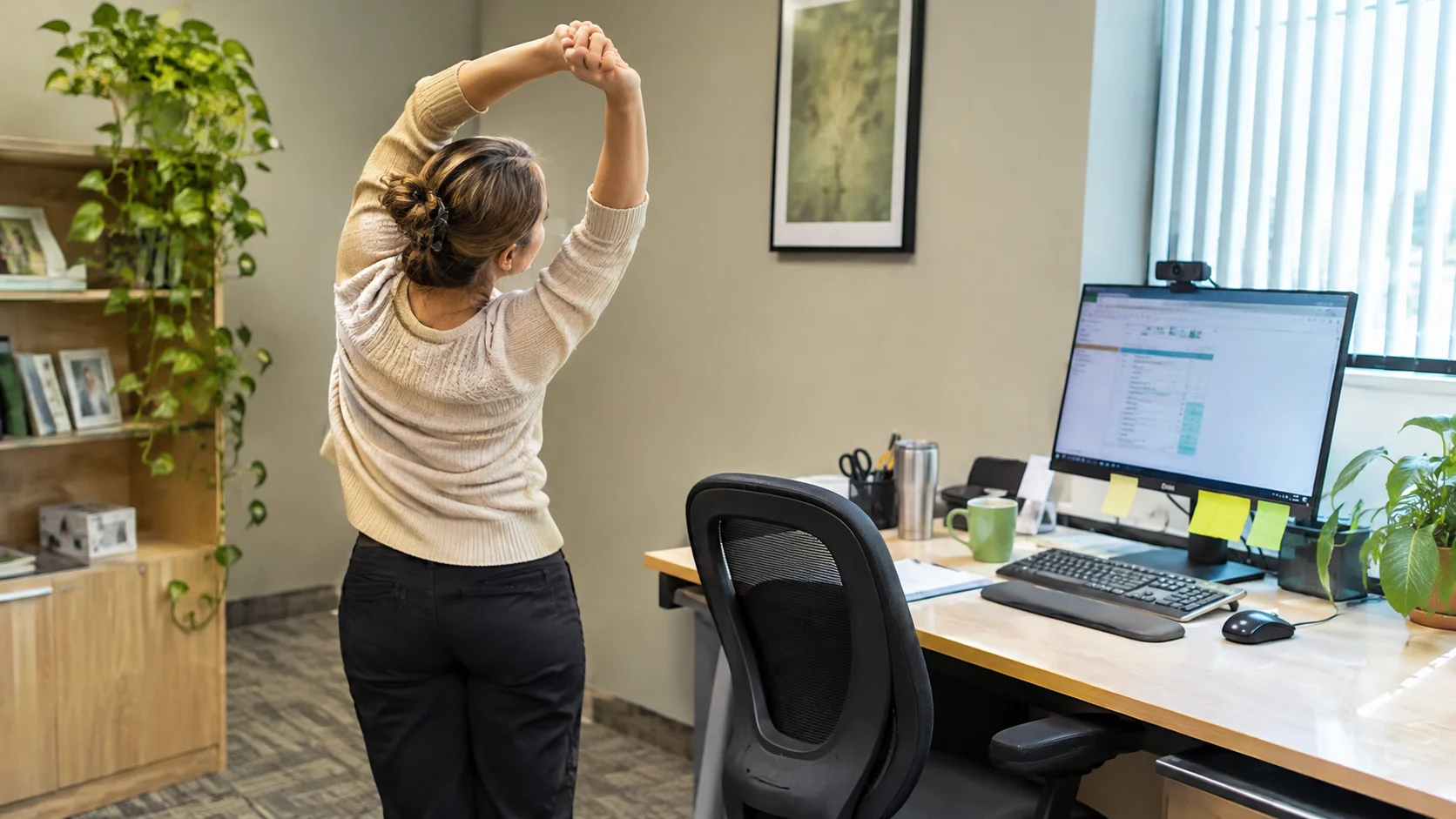
Oregon OSHA’s workstation checklist asks whether computer users alternate tasks or take short breaks to reduce fatigue. That makes small movement breaks a reasonable habit, and you do not need a strict schedule to start.
Simple Ways to Change Position
- Stand or pace during telephone conversations, or take a short walk between tasks to interrupt prolonged periods of sitting.
- Set a gentle reminder if you tend to lose track of time during busy periods, then adjust your position whenever it sounds.
- Try a sit-stand desk if you have one, as a way to vary your position rather than a reason to stand all day.
Gentle movement may also ease stiffness, such as slowly and comfortably looking from side to side, or squeezing your shoulder blades together and then relaxing them.
When Back Pain Needs Medical Care
Mayo Clinic says most back pain gets better within a few weeks without treatment, and it does not recommend bed rest. A few symptoms should not wait, though, and a warning sign is not a diagnosis.
Go to the Emergency Room If Back Pain Comes With
- New trouble controlling your bowels or bladder, or difficulty urinating that is not normal for you.
- Numbness around the groin or anus, which the NHS lists as a reason for emergency care.
- Severe or worsening weakness or numbness in both legs.
- A fever, even when the back pain itself seems mild.
- Trauma, such as a car crash, a bad fall, or a sports injury.
Call Your Healthcare Provider If Your Pain
- Has not improved after about a week of home treatment, or keeps getting worse.
- Is constant or intense, especially at night or when you are lying down.
- Spreads down one or both legs, or comes with weakness, numbness, or tingling.
- Occurs with unintended weight loss, or with swelling or a change in skin color on your back.
Conclusion
A desk job does not make back pain certain, but it can make stillness and awkward positions easy habits to develop. Consistent support, regular movement, and a few workstation adjustments may make the workday more comfortable.
For a new takeaway, notice what time of day your back feels worst this week, then change one thing about that stretch, such as raising your screen or standing for a call. If tight muscles linger after a long week, therapeutic massage at PalmLeaf Massage & Wellness in Buffalo Grove, IL may complement your routine, though it does not replace medical care.
FAQs
Is sitting bad for your back?
Sitting is not automatically harmful, but long stretches in one position may leave muscles stiff, so changing position often may help.
How often should I take breaks from my desk?
There is no exact schedule. Oregon OSHA suggests alternating tasks or taking short breaks to reduce fatigue, so find a rhythm that fits your day.
Does a standing desk fix back pain?
Not necessarily. A standing desk lets you vary positions, but standing all day may be tiring, so alternate sitting, standing and moving.
Do I need to stop working if my back hurts?
Many people can keep working through mild discomfort by adjusting their pace. Bed rest is not recommended, but stop any movement that sharpens your pain.
Is desk job back pain the same as sciatica?
Not always. Sciatica is pain that travels from the lower back down a leg, and a provider can help find the cause.
Sources
Back pain: Symptom – Causes and definition
Mayo Clinic
Sciatica
NHS
Computer Workstations eTool
Occupational Safety and Health Administration
Ergonomics: Computer Workstations
Oregon OSHA
This article is for informational purposes only and is not a substitute for professional medical advice, diagnosis, or treatment. Consult a qualified healthcare provider about your health or medical condition.